Performance
LNA
The most important thing I can advise is to make sure the low-noise amplifier (LNA) is on unless you have a reason to turn it off. The LNA is always off when the radio powers up, so you have to remember to turn it on (double tap the button lower left of the display). When on, the icon LNA appears on the display to the left of the battery status icon. With the LNA off, I got not a single MW station. LNA will be turned on for all testing.
Antenna
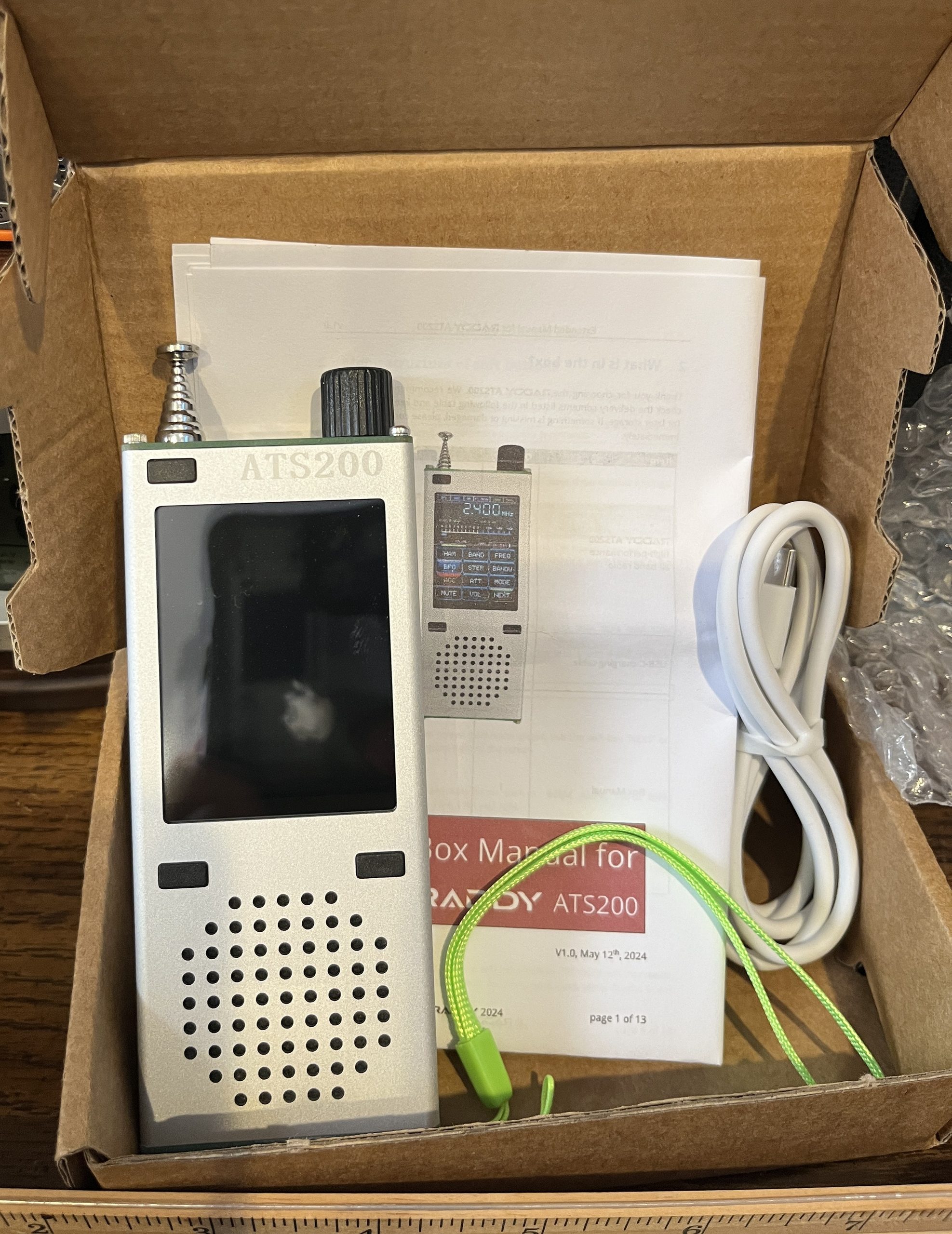
There are three things one might call “antenna” on this radio. The obvious one is the 10 segment 82 cm telescopic antenna on top. It’s quite a serious physical object, and appears robust. Absent any other antenna, it supports all bands including MW.
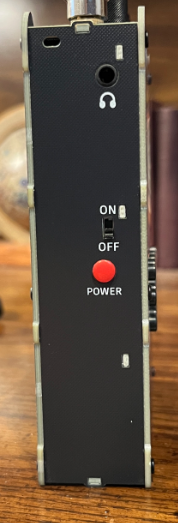
The second antenna is the earphone cord plugged into the 3.5mm TRS (tip-ring-sleeve) jack on the top, presumably for use when the radio is in a shirt pocket or the like.
The third antenna is one you plug into the bottom — a rather awkward place if you expect to stand the radio vertically. This jack supports both AM and shortwave reception with the former in the form of a ferrite loop antenna and the other a long wire. Of course one might experiment on what else might work. On MW, I have had good results in the past with a ferrite rod antenna that came with my Zhiwhis ZWS-C919 that I believe is the same as their model T-20 Antenna sold separately. The ZWS-C919 is also sold by Raddy as the RF919.