
Like a fish tempted by a juicy worm, eBay dropped this radio onto my front page and I was hooked.
It is a dual conversion superhet radio, as is the other current incoming radio, a Sangean ATS-909. This appears to be new old stock. It boosts my PLL analog radio options and fills out the list for the upcoming dueling-radios review.
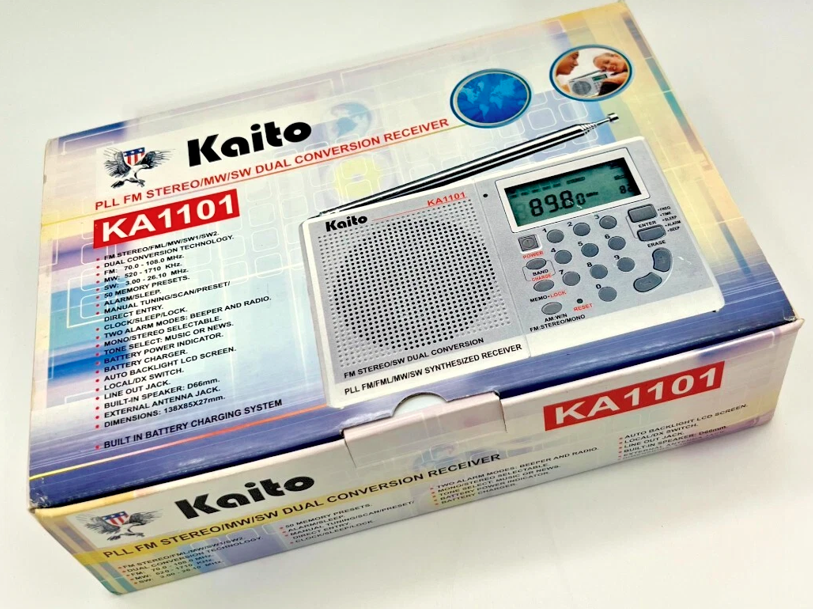
I’ve always had a soft spot for Degen/Kaito radios — compact, easy to use. This is just a radio I want to hug.
Perhaps it reminds me of happy experiences from 10-15 years ago when I bought portable radios more as collectibles than to listen with. It also brings back the analog days.
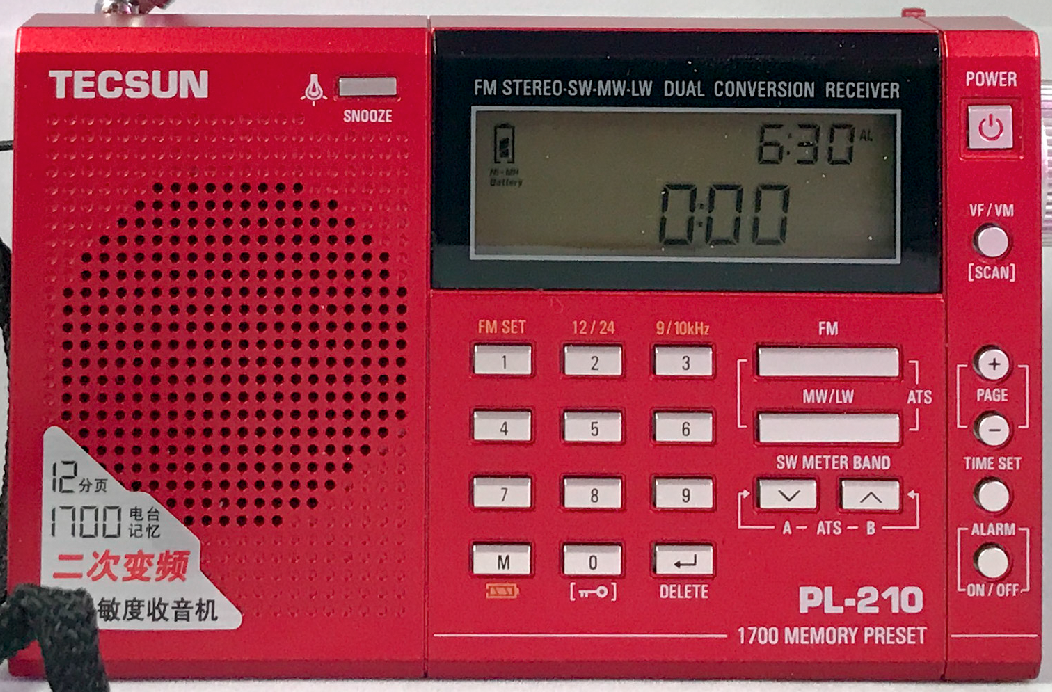
Some of those bygone PLL dual conversion units included this bright red Tecsun PL-210 (not to be confused with the DSP-based PL-210ET):
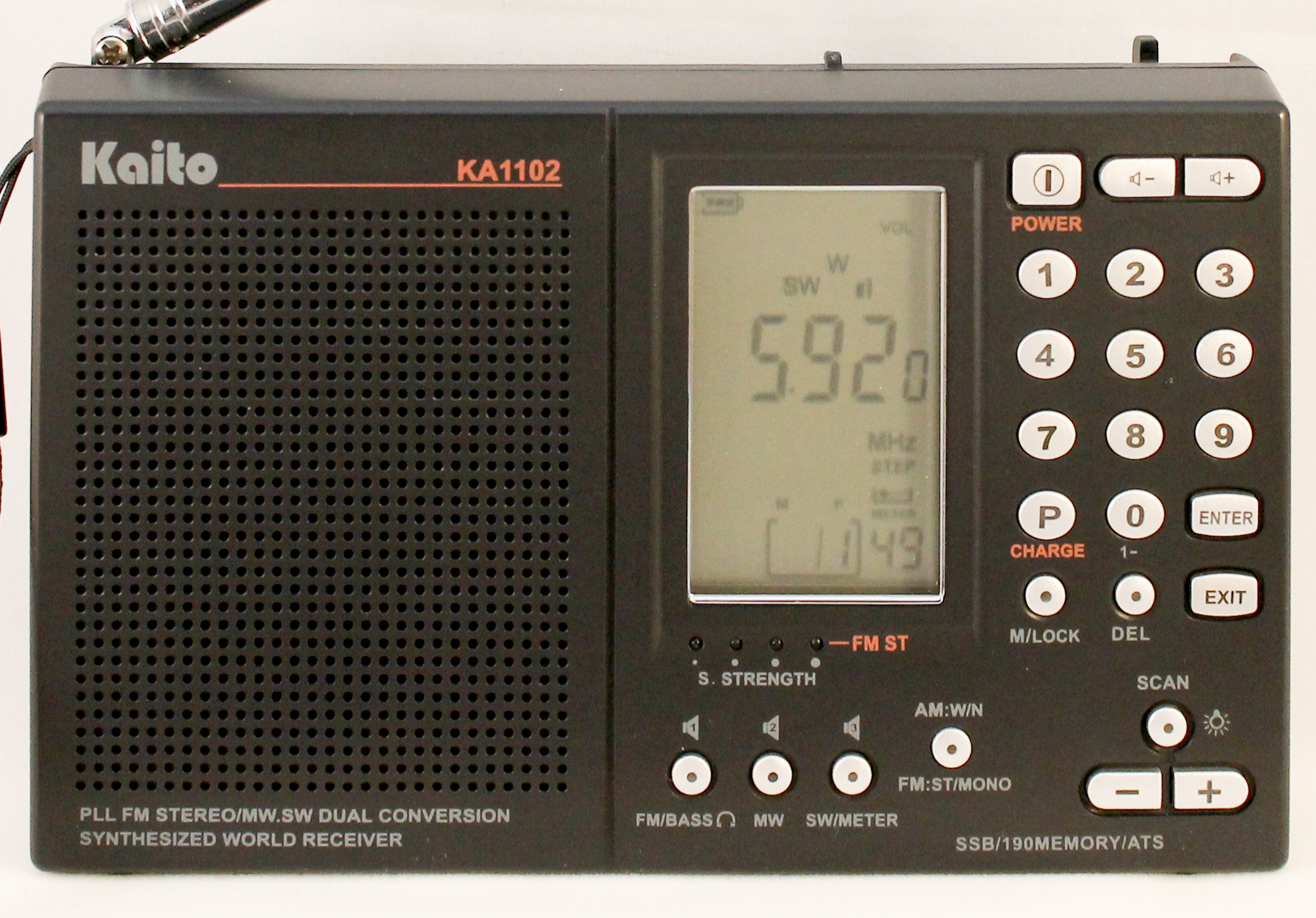
And I had some Grundigs, I think — G3, G5, G6 and S450DLX. I even had the successor to my incoming radio, a Kaito KA1102.
They all were sold in the great downsizing. There were just too many to share the love.
KA1101 Features
Here’s the feature list from the box:
- FM Stereo/FML/MW/SW1/SW2
- Dual Conversion Technology
- FM: 70.0 – 108 MHz
- MW: 520 – 171-0 kHz
- SW: 3.0 – 26.10 MHz
- 50 Memory Presets
- Alarm/Sleep
- Manual Tuning/Scan/Preset
- Direct Entry
- Clock/Sleep/Lock
- Two Alarm Modes: Beeper and Radio
- Mono/Stereo Selectable
- Tone Select: Music or News
- Batter Power Indicator
- Battery Charger
- Auto Backlight LCD Screen
- Local/DX Switch
- Line Out Jack
- Built-in Speaker: D66mm
- External Antenna Jack
- Dimensions: 138X85X27 mm
The things that stand out in the list for me are the Local/DX switch, bandwidth selection and the Line out and external antenna jacks. Supposedly, this radio has an ambient light sensor so that key presses don’t activate the display light unnecessarily. It’s reportedly fairly sensitive on shortwave. There are 10 presets per band (FM, FML, MW, SW1 and SW2).
Here are the controls from the product manual:
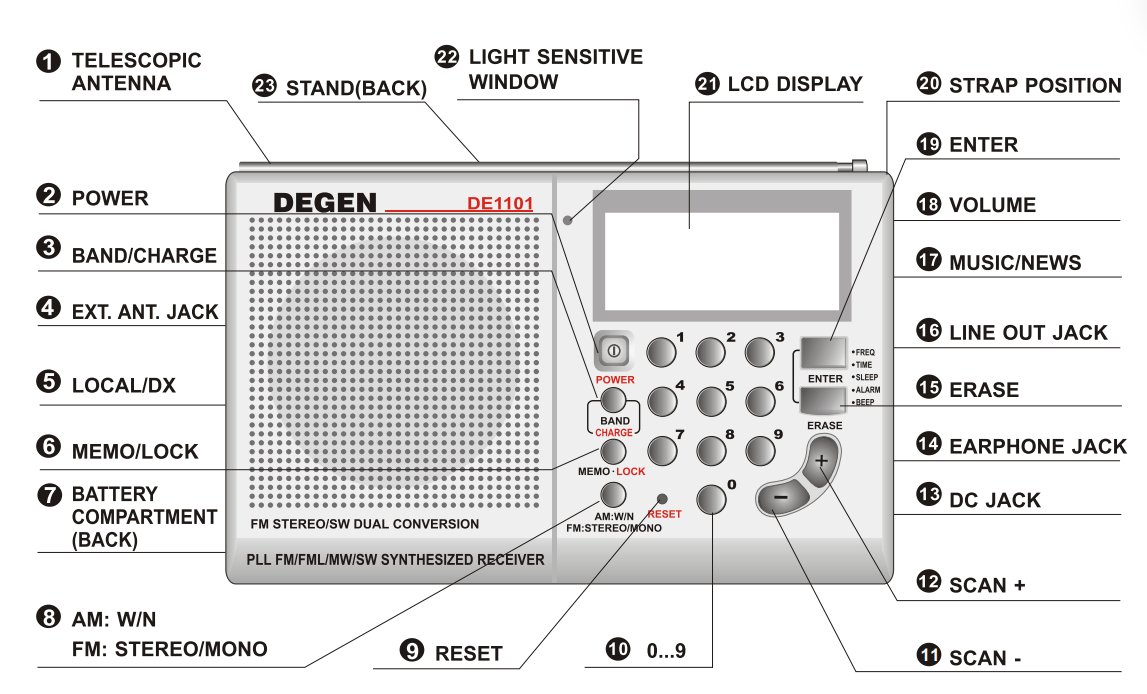
And this is the display layout:
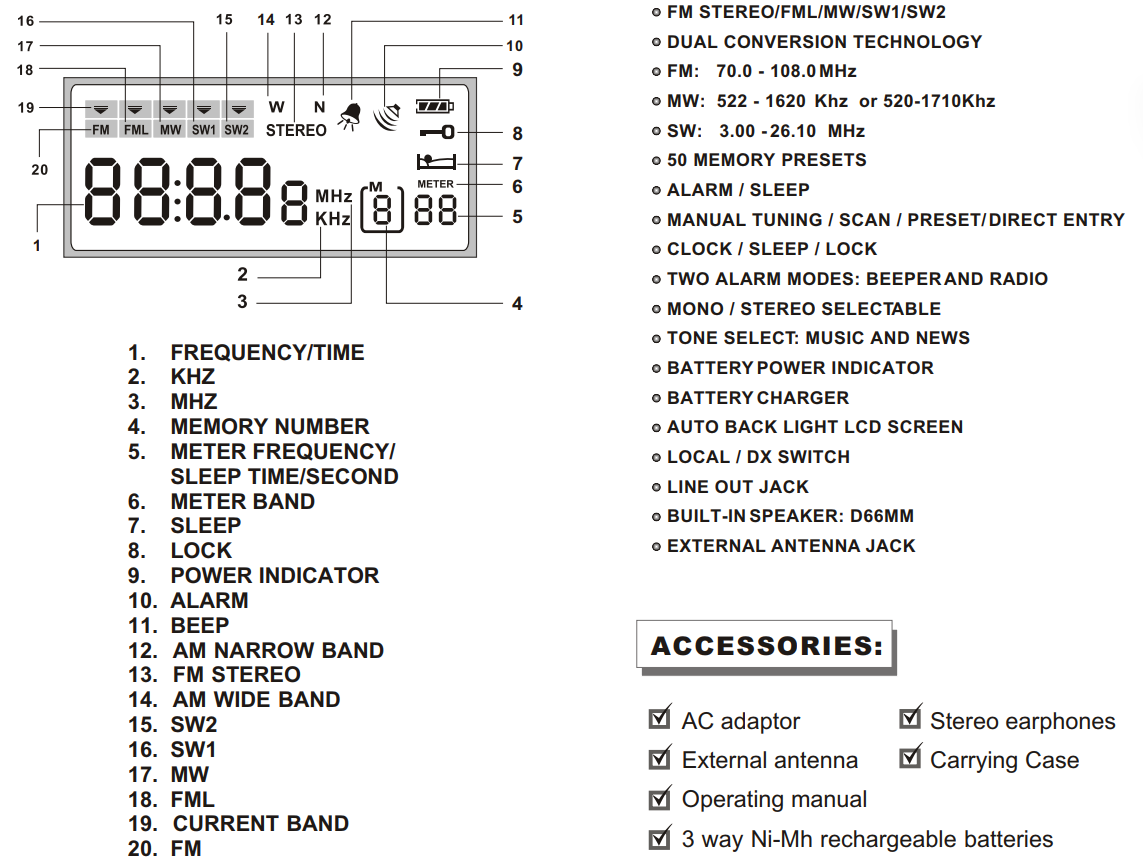
It was introduced in late 2003 and discontinued in the late 2000s, with clearance sales around 2007-2009.
I found a listing for the gray version on Amazon (none in stock) with a photo of the box opened. It’s not a big image, but I include it following:
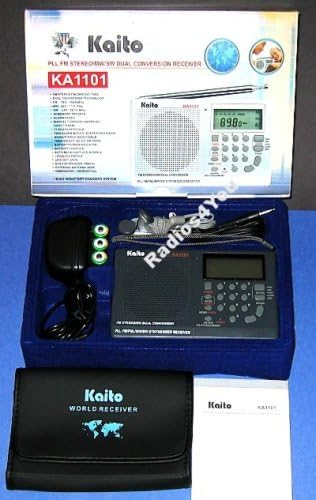
This one includes a carry pouch (yea!), manual, AC adapter, 3 AA batteries, earbuds and an external wire antenna.
References:
Now, exactly how does one set the MW step size, 9 or 10 kHz. I skimmed through the DE1101 manual. I asked Microsoft Copilot. I asked Perplexity. I asked Grok. They all said that the documentation wasn’t clear. One site talked about it being set after removing the battery and letting the radio discharge (about 3 minutes). I thought: Chinese radio? How about Chinese AI? I asked Deep Seek and it said:
🤖How to Change MW Channel Spacing (9 kHz vs. 10 kHz) on the KA1101/DE1101:
Once the correct region is selected, the radio should now use the corresponding step (9 kHz or 10 kHz) for tuning.
- Turn on the radio and switch to MW (AM) band.
- Press and hold the “BAND” button for a few seconds—this should cycle through different region settings (e.g., EUR, AUS, USA, etc.).
- EUR (Europe) & AUS (Australia) → 9 kHz spacing
- USA (North America) → 10 kHz spacing
We shall see.