The developer says:
[SDR Oxide is a] powerful SDR transceiver client with a GPU panadapter, dual VFOs, neural noise reduction, built-in skimmers, a full stack of digital modes, Winlink radio email, hands-free satellite operation and a live 3D space-weather globe — running native on Linux, macOS & Windows, or streamed to any browser.
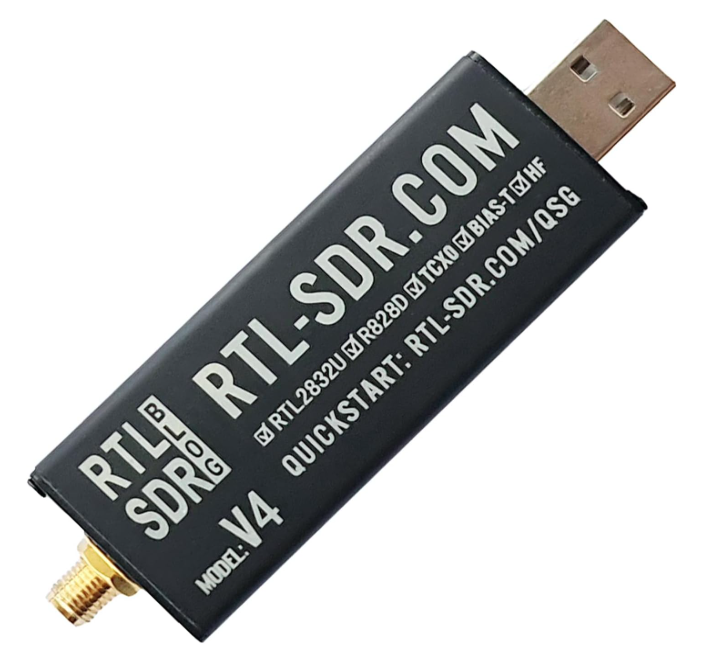
It’s still early in the product evolution, but I’ve heard good things, including that it works with my RTL-SDR Blog V4 SDR and that it runs well in emulation mode under Windows with an ARM64 processor. Note: this software also supports transmission, but I don’t have equipment or license for that.
Installation
One of the deeply problematic issues I’ve had with SDR software is compatibility and installation. The inclusion of a Windows MSI installer with SDR Oxide is a huge plus in my world. My Microsoft Surface Pro tablet with Qualcomm Snapdragon ARM64 processor has also been a barrier to several SDR clients (SDR# finally worked but many features were missing). There is no need to install drivers or other software for SDR Oxide.
I downloaded the 1.2.0 version (Windows, MSI installer) and as usual pretty much ignored the online, searchable, user manual. So many features, so little time, noting a neural noise limiter, RDS/RDMS, notch filter, SSB, FT8 / FT4 / FT2, and a Morse decoder. My head is spinning.
Installation was fast, just tell Windows to ignore the warning and install it. Around the top, there is a little box that says SYS (short for System) in the pop-up there is “⚙ SETTINGS”. I clicked that, and waited a little for the panel to appear. Tabs under Settings include “Radio” and there, under Radio interface, I selected RTL-SDR (USB). A second or two later, the tablet speaker started hissing and the spectrum and waterfall displays came to life. I took a telescopic antenna with an SMA connector on the base and screwed it in to the RTL V4. I picked up a strong local FM station, so it’s working. I also got a weather band station. Also under Settings -> Radio is the ability to “feed ~4.5V DC up the Coax cable,” perfect for an MLA-30+.
One nice feature is that there is an “Automatic” selection for the RTL-SDR Blog V4 setup, so I didn’t have to fiddle with Q branch or any of that. It understood that I had a V4.
Quick Test
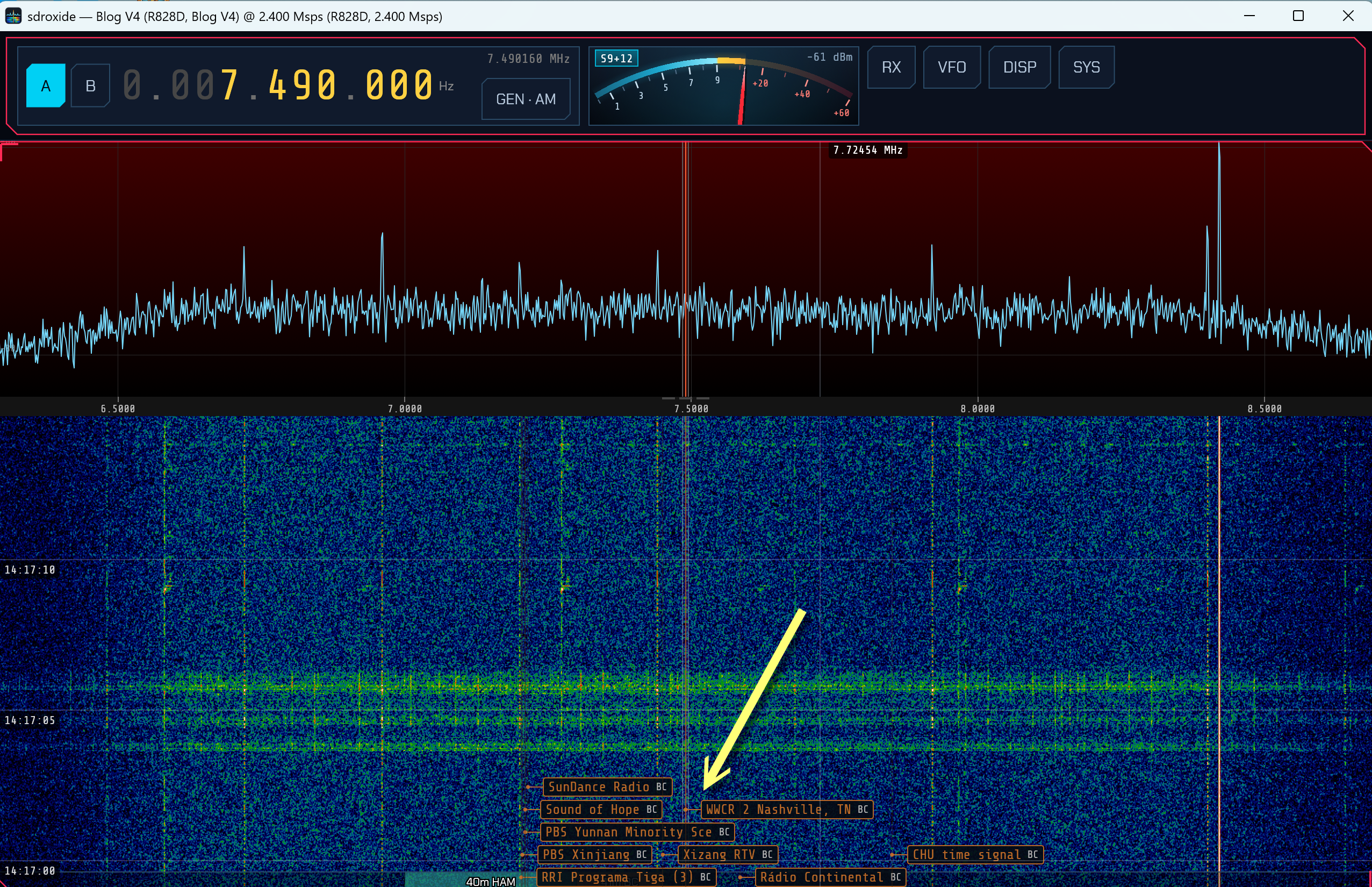
I did a quick band scan on my DX-286 and found a strong station on 7490 kHz and it was easy to pick up on the RTL-SDR Blog SDR. What was cool is that at the bottom on the waterfall is a a graphic depicting what stations are currently on the schedule, and in this case a box with “WWCR 2 Nashville, TN” pointing to the station track on the waterfall for 7490 — and that identification matches the program content.
Remote control?
Here it gets even more interesting.
I’ve been experimenting with radios that have repeaters, the Zhiwhis ZWS-802 + W3 and LiJiANi RD-239S + W2. They allow me to place a remote receiver within Bluetooth distance from a “base unit” that controls the remote radio (the repeater), and plays its streamed content essentially as a Bluetooth speaker. The limitation is the non-trivial connection distance for Bluetooth.
With SDR Oxide I could, in theory, put a tablet PC and SDR anywhere, like in the most radio quiet corner of my house, out on the porch, or even in an outdoor shed (if I had one) and then I could connect to it with a browser anywhere. My ISP prevents me from running servers supporting remote locations, but at home it should work within the range of my router, which covers everything of interest.
Going forward
It’s going to take a while to get my head around the possibilities, but I went from visiting a website to having a working SDR client in under an hour. That’s pretty darned good.
Hi Kevin,
I have got a New RTL V4 installed Sdr oxide not able to receive any station where as the same dongle works in SDR console & SDR Sharp after installing rtlsdr.dll files.
let me know any changes to be done.
Version is now 1.6.2.
I’m getting the error “unable to start correctly(0x000007b) which I am told is related to 32 bit dll rather than 64bit. I have checked all that out and still get the error. I’m on windows 11 dell machine. Any ideas ? Its the latest version 1..5..0
Thanks Dave
Did you use the Windows .MSI installer? That should have taken care of any dlls.
I had a recommendation to install V1.4.3, and I did that. Super easy.
I have only tested SDR Oxide for receive functions (not for transmit), but it is the best SDR receiver software I have ever used: Features, performance, user friendliness. And I have tried SDR Console, SDR#, SDRUno, SDR Connect, SDR++ and HDSDR: Blows them away.